Warning: Undefined array key 3 in /home/c3937730/public_html/dubdesign.net/wp-content/themes/sango-theme-poripu/library/functions/prp_content.php on line 18
Warning: Undefined array key 4 in /home/c3937730/public_html/dubdesign.net/wp-content/themes/sango-theme-poripu/library/functions/prp_content.php on line 21
Warning: Undefined array key 3 in /home/c3937730/public_html/dubdesign.net/wp-content/themes/sango-theme-poripu/library/functions/prp_content.php on line 30
Warning: Undefined array key 4 in /home/c3937730/public_html/dubdesign.net/wp-content/themes/sango-theme-poripu/library/functions/prp_content.php on line 33
繰り返しの処理を行う場合、JavaScriptの for文 を使います。
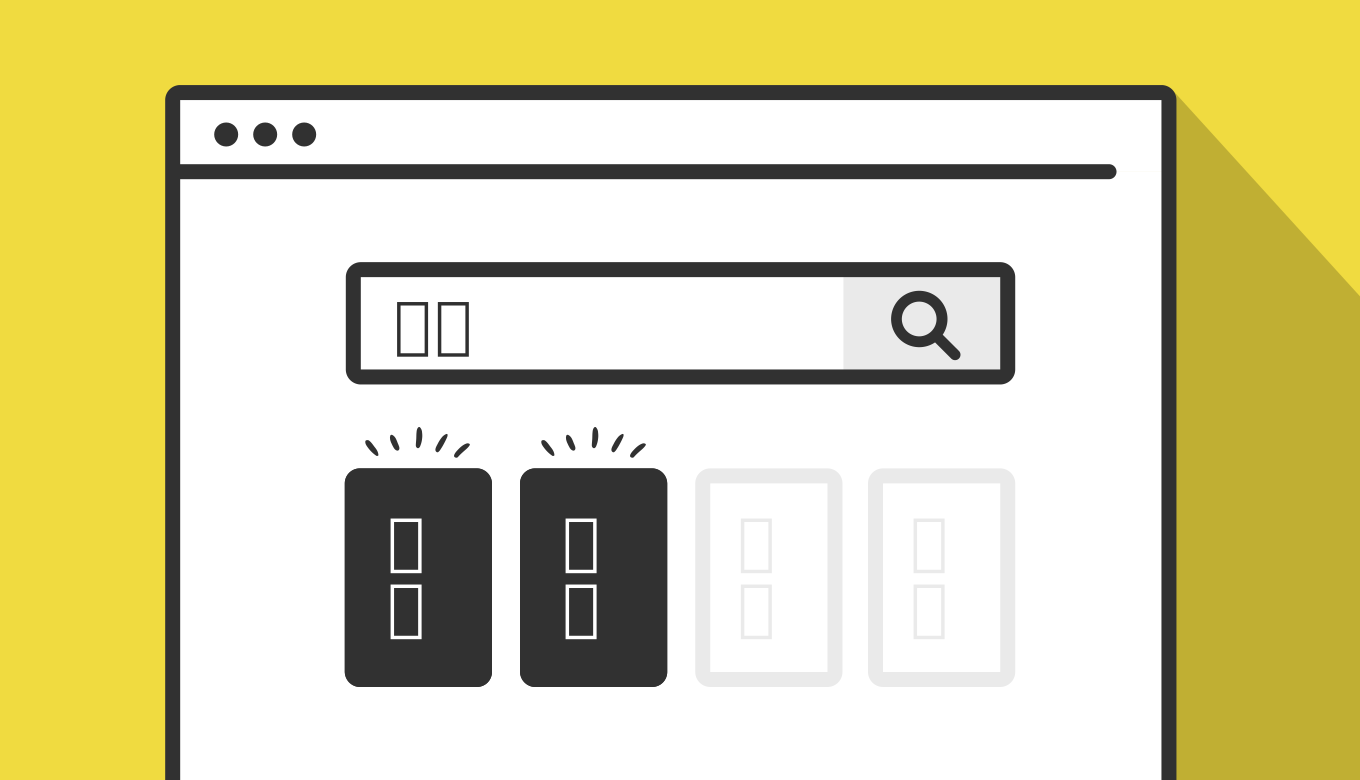
今回は、比較的要素が多いシチュエーションで、この for文 を使った「絞り込み検索」のスニペットを紹介します。
for文のループ
JavaScriptの for文 は、繰り返し処理を実行するための構文です。例えば、以下のような記述です。
for (let i = 0; i < 5; i++) {
  console.log((i + 1) + '回目の処理です');
}

// 結果
// 1回目の処理です
// 2回目の処理です
// 3回目の処理です
// 4回目の処理です
// 5回目の処理です
この for文 は、お馴染みWordPressでも使うことができる「python」や多くの言語でも使われています。

これ以外にも「forEach」や「for…in」などいろんな記述があります。
この記事では、for文で反復処理を行う記述ですが、この「ループと反復処理」の詳しくはお馴染み「MDN Web Docs」もあわせてチェックしてみてください。
参考 ループと反復処理MDN Web Docsボタンで絞り込み検索をするサンプル
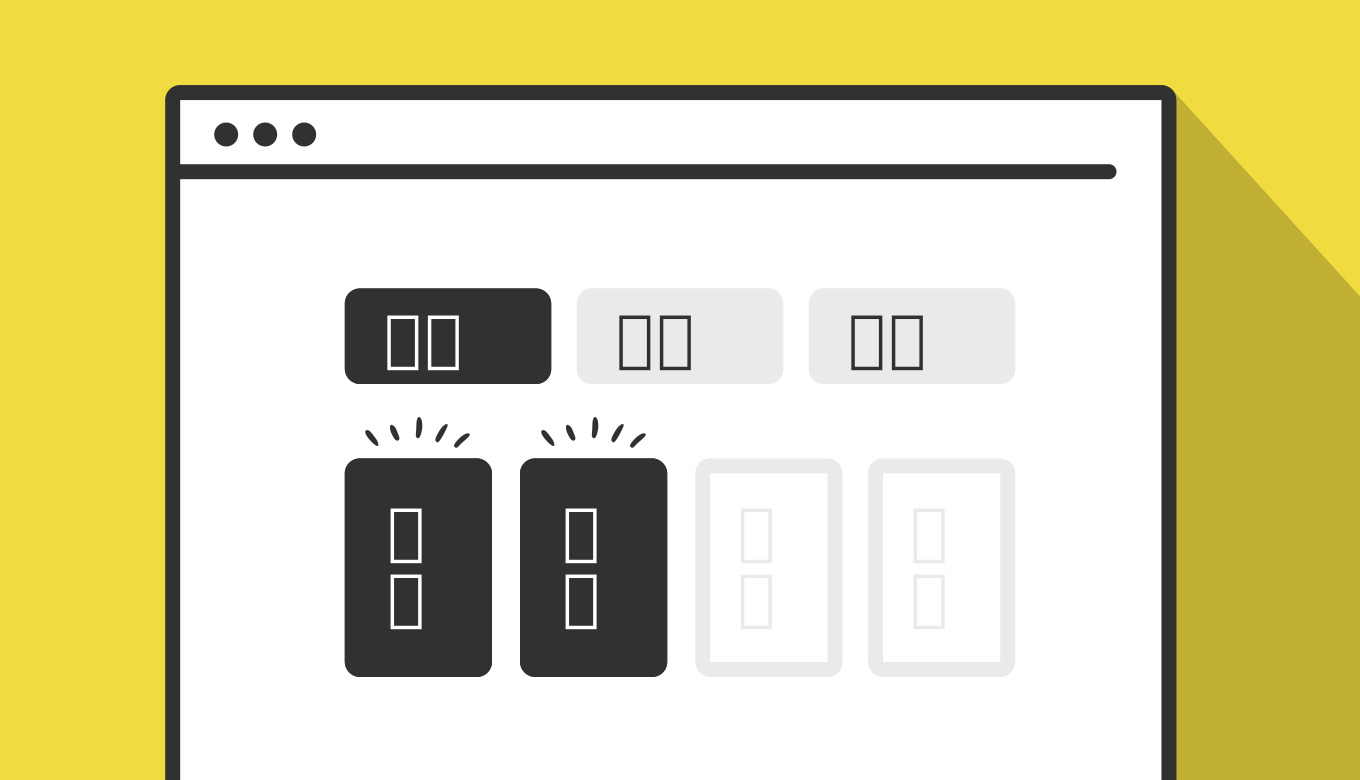
早速サンプルです。以下の黄色いボタンをクリックすることで、「東京」や「大阪」の地名が関東や関西など、それぞれのグルーピングに絞り込みされます。
- 東京
- 神奈川
- 千葉
- 大阪
- 埼玉
- 京都
- 那覇
- 群馬
- 石垣島
- 淡路島
- 茨城
- 八丈島
- 兵庫
- 小浜島
- 奈良
淡路島や八丈島のような島は、「関東」のようなエリアと島のグルーピングでも検索で引っかかります。
上記のように絞り込みされるとボタンが黒くなり、表示が切り替わります。
サンプルのコード
コードはHTML・JavaScript・CSSの3種です。順に解説していきます。
HTML
HTMLは、大きく分けて絞り込みのトリガーになる「ボタン」と、絞り込みの対象になる「グルーピングの要素」の2つです。
<!-- ボタン -->
<div id="searchButtonnBlock">
  <button class="btn onActive" onclick="filterSelection('all')"> 全て</button>
  <button class="btn" onclick="filterSelection('kantou')"> 関東</button>
  <button class="btn" onclick="filterSelection('kansai')"> 関西</button>
  <button class="btn" onclick="filterSelection('okinawa')"> 沖縄</button>
  <button class="btn" onclick="filterSelection('island')"> 島</button>
</div>

<!-- グルーピングの要素 -->
<ul class="searchList">
  <li class="filterDiv kantou">東京</li>
  <li class="filterDiv kantou">神奈川</li>
  <li class="filterDiv kantou">千葉</li>
  <li class="filterDiv kansai">大阪</li>
  <li class="filterDiv kantou">埼玉</li>
  <li class="filterDiv kansai">京都</li>
  <li class="filterDiv okinawa">那覇</li>
  <li class="filterDiv kantou">群馬</li>
  <li class="filterDiv okinawa island">石垣島</li>
  <li class="filterDiv kansai island">淡路島</li>
  <li class="filterDiv kantou">茨城</li>
  <li class="filterDiv kantou island">八丈島</li>
  <li class="filterDiv kansai">兵庫</li>
  <li class="filterDiv okinawa island">小浜島</li>
  <li class="filterDiv kansai">奈良</li>
</ul>
button タグには onclick のイベントハンドラで「filterSelection()」の関数を紐づけて、その中に絞り込みのグルーピングの文字列を記述します。
ここで記述した「グルーピングの文字列」は、絞り込みの対象になる「グルーピングの要素」の class名に同じものを入れるようにして、複数の場合は空白で複数記述するようにしましょう。
JavaScript
JavaScriptは、大きく分けて「全て表示する filterSelection("all")」と、「それぞれの絞り込みでclassを付ける function searchAddClass(element, name)」。そして、「classを削除する function searchRemoveClass(element, name)」と、「クリックでボタンを切り替える .addEventListener クリック」の4種です。
filterSelection("all")
function filterSelection(c) {
  var x, i;
  x = document.getElementsByClassName("filterDiv");
  if (c == "all") c = "";
  for (i = 0; i < x.length; i++) {
    searchRemoveClass(x[i], "show");
    if (x[i].className.indexOf(c) > -1) searchAddClass(x[i], "show");
  }
}

function searchAddClass(element, name) {
  var i, arr1, arr2;
  arr1 = element.className.split(" ");
  arr2 = name.split(" ");
  for (i = 0; i < arr2.length; i++) {
    if (arr1.indexOf(arr2[i]) == -1) {
      element.className += " " + arr2[i];
    }
  }
}

function searchRemoveClass(element, name) {
  var i, arr1, arr2;
  arr1 = element.className.split(" ");
  arr2 = name.split(" ");
  for (i = 0; i < arr2.length; i++) {
    while (arr1.indexOf(arr2[i]) > -1) {
      arr1.splice(arr1.indexOf(arr2[i]), 1);
    }
  }
  element.className = arr1.join(" ");
}

var btnContainer = document.getElementById("searchButtonnBlock");
var btns = btnContainer.getElementsByClassName("btn");
for (var i = 0; i < btns.length; i++) {
  btns[i].addEventListener("click", function() {
    var current = document.getElementsByClassName("onActive");
    current[0].className = current[0].className.replace(" onActive", "");
    this.className += " onActive";
  });
}
これらの4つは全て for文 の .length で対象の数を取得して、その回数分の処理を行う記述です。
CSS
CSSは、JavaScriptで付与・削除されるclass名に応じて表示を切り替える記述が中心です。
div#searchButtonnBlock {
    display: flex;
    justify-content: space-between;
    flex-wrap: wrap;
}
div#searchButtonnBlock button {
   width: 18%;
    text-align: center;
    padding: 30px 0;
    margin: 0;
}
ul.searchList {
    display: flex;
    flex-wrap: wrap;
    padding: 0;
    border: none;
    margin: 15px 0 0;
    justify-content: space-between;
    gap: 0;
    position: relative;
}
ul.searchList:after {
    content: "";
    width: 25%;
}
li.filterDiv {
    display: none;
}
li.filterDiv.show {
    position: relative;
    background-color: #FFF;
    color: #707070;
    width: calc(25% - 3px);
    padding: 15px 0;
    text-align: center;
    gap: 3px;
    display: inline-block;
    margin-bottom: 3px;
}

.show {
  display: inline-block;
}

.btn {
  border: none;
  outline: none;
  padding: 12px 16px;
  background-color: #f1f1f1;
  cursor: pointer;
}
div#searchButtonnBlock button.btn.onActive {
    background: #313131;
    color: #fff;
    pointer-events: none;
}

@media screen and (max-width: 767px) {
/* (ここにモバイル用スタイルを記述) */
div#searchButtonnBlock button {
    width: 49%;
    padding: 12px 0;
    margin-bottom: 6px;
}
li.filterDiv.show {
    width: 49%;
}
}要素は.show のclassの有無で表示が変わり、絞り込みのボタンは .onActive の有無で切り替わるので、それぞれCSSで見た目を切り替えています。